
This article outlines all the latest enhancements, UI improvements, and functional changes to help you get the most out of your FUB integration with your AgentFire website.
What’s New With the FUB Widget
The FUB widget has been completely redesigned with improved usability and new capabilities that make managing your FollowUpBoss leads easier and more intuitive.
1. Visible Lead Import Option
Previously, leads imported from FollowUpBoss were automatically created in your AgentFire contact database behind the scenes - which could be confusing for many users.
Now, if a lead doesn’t already exist on your website:
-
You’ll see a clear Import button.
- As long as the lead has a name, email, and phone number, you can manually import it.
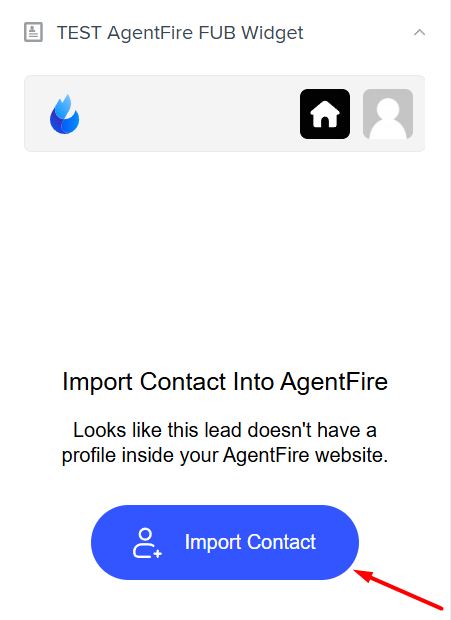
- Once imported, the widget will show that the lead is connected and active.
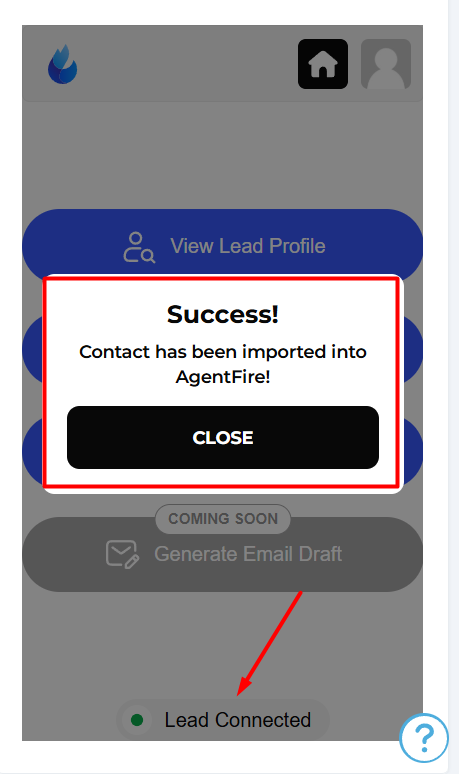
This visual indicator ensures you always know when a lead has been successfully imported and synchronized with your site.
2. Debug Mode & Status Indicators
To help you confidently verify lead connections:
-
The widget now shows a status indicator - green for connected, red if something goes wrong.
-
The debug feature makes it easier for both you and support to identify issues quickly and effectively.
-
Support can even impersonate your FUB widget from within the lead profile to troubleshoot issues faster and with greater visibility.
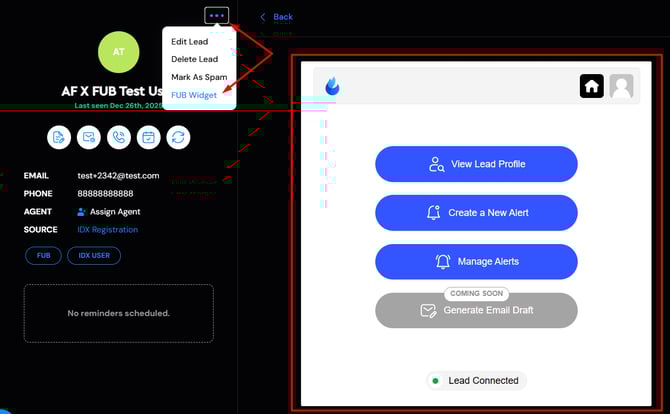
This makes solving widget or lead sync issues smoother and more efficient than before.
3. Improved Menu & Design
The widget interface has been refined for better usability:
-
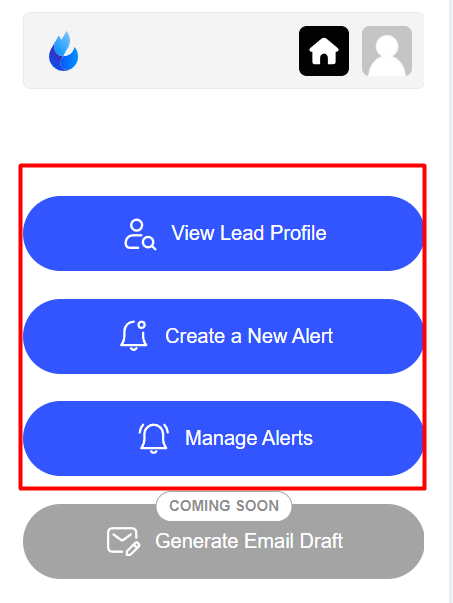
The main menu is centralized and easier to access.
-
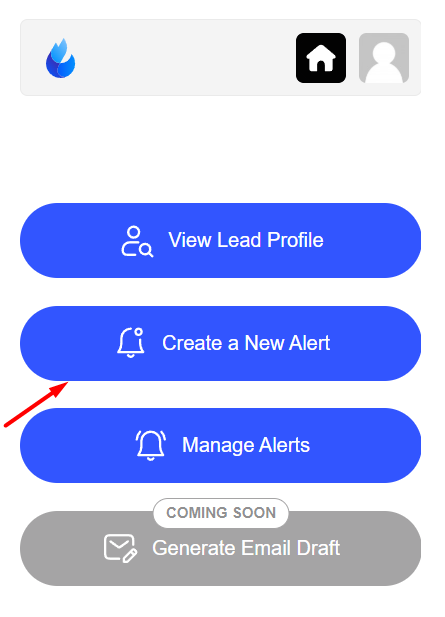
The core actions you expect (viewing lead profiles, managing alerts, creating new alerts, etc.) are right up front and simple to navigate.
-
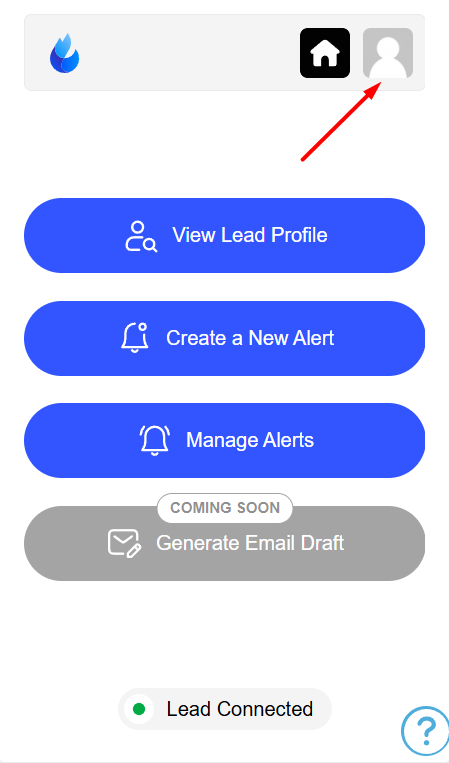
The lead assignment control has been moved to the top right for quicker access.
These design enhancements make navigating and interacting with your leads more intuitive and less cluttered.
4. Lead Assignment Controls
Need to change which agent is assigned to a lead?
-
Simply click the assignment dropdown at the top right.
-
Choose the new agent, and the change will be reflected both in FollowUpBoss and on your AgentFire website.
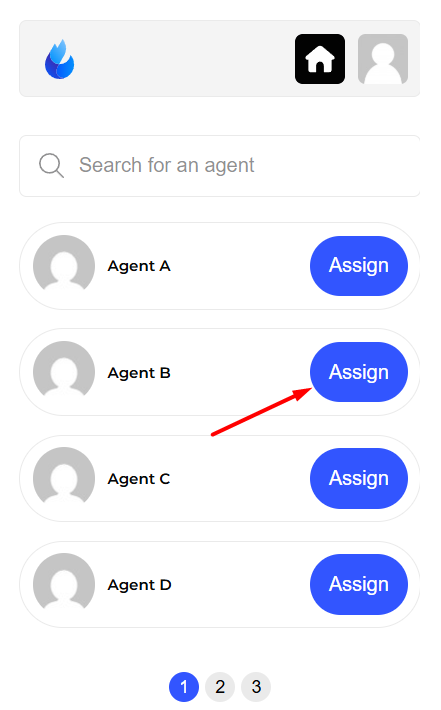
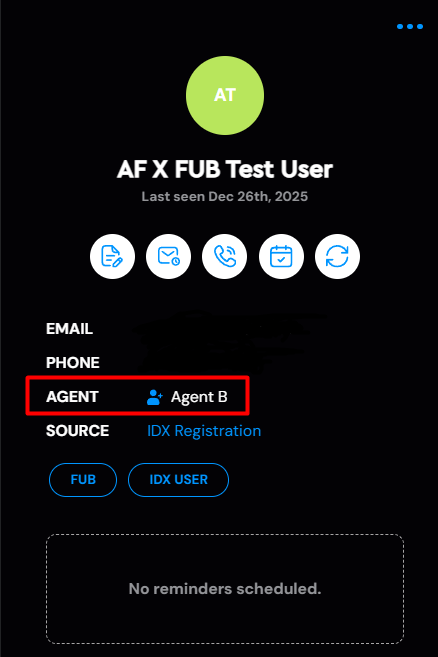
This ensures your team stays aligned regardless of where updates are made.
5. Search Alerts & Saved Searches
The updated widget keeps all your alert and saved search functionality intact - but with a smoother experience:
-
You can still create or manage alerts directly in the widget.
-
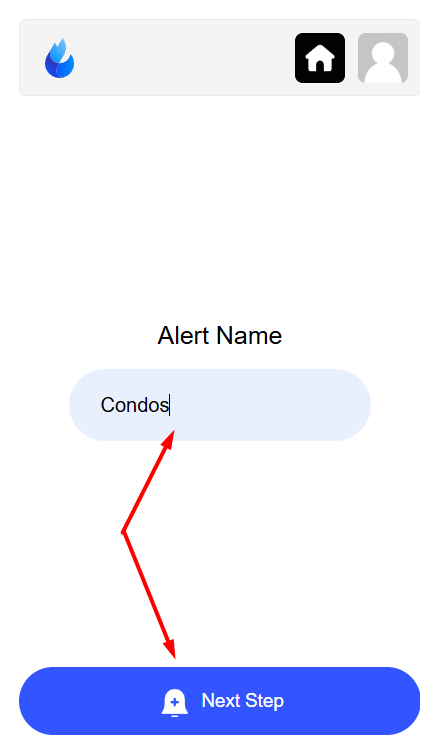
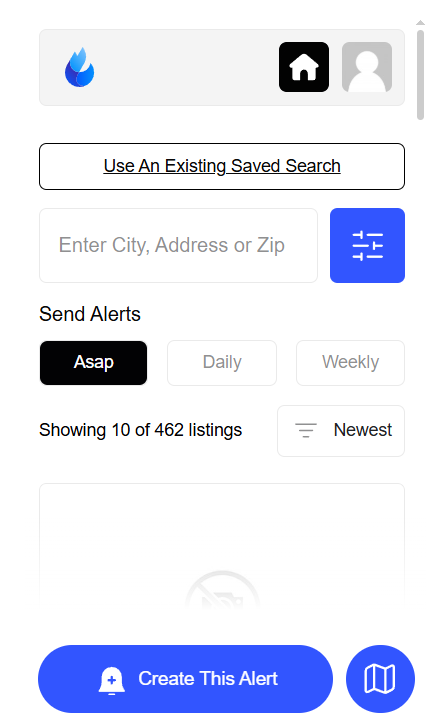
When setting up new IDX search alerts, all filters and options are now in a single, unified panel for easier access. You can use existing saved searches or create a search alert on the spot.
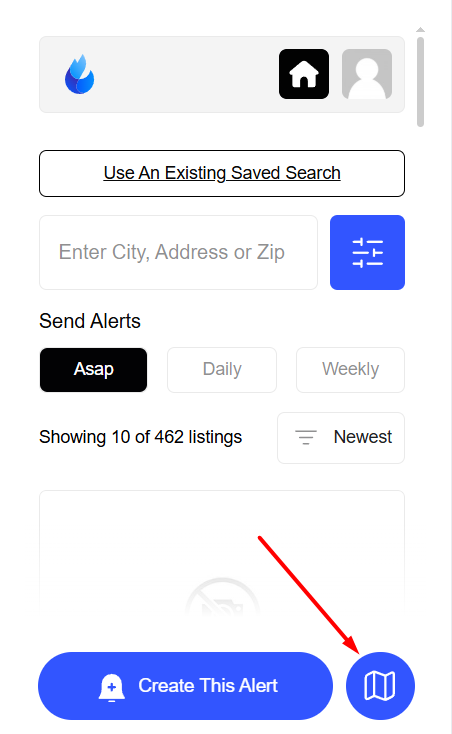
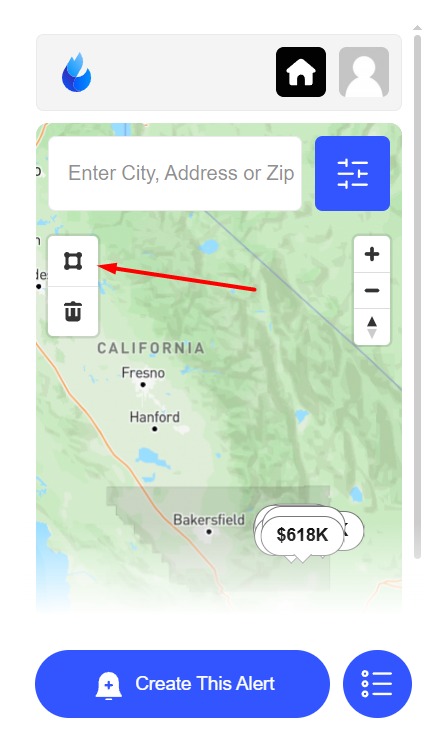
- Also, our Map View is available if you're looking to create a more precise polygon search.
-
Alerts created here are automatically synced back to your AgentFire contact records and lead profiles.
Everything you set up from the widget is visible in your Lead Manager.
The update is now live, so you can jump in and start using it right away. If you have any questions, feel free to reach out to our support team at support@agentfire.com